Hello everyone!
Today I’m going to go more into-depth on my experience with a product that I received as a Christmas gift and had been wanting for a while: the Rocketbook reusable notebook. I found out about this product from a Buzzfeed video and I knew I wanted to try it because of it’s eco-friendliness and convenience. I’m a big planner and I like to write out basically my whole life on paper, so it would be a way to continue doing this without as much waste, but still getting the feeling of actually writing and not having to go fully digital. If you’re interested in getting this product or something similar, keep on reading!
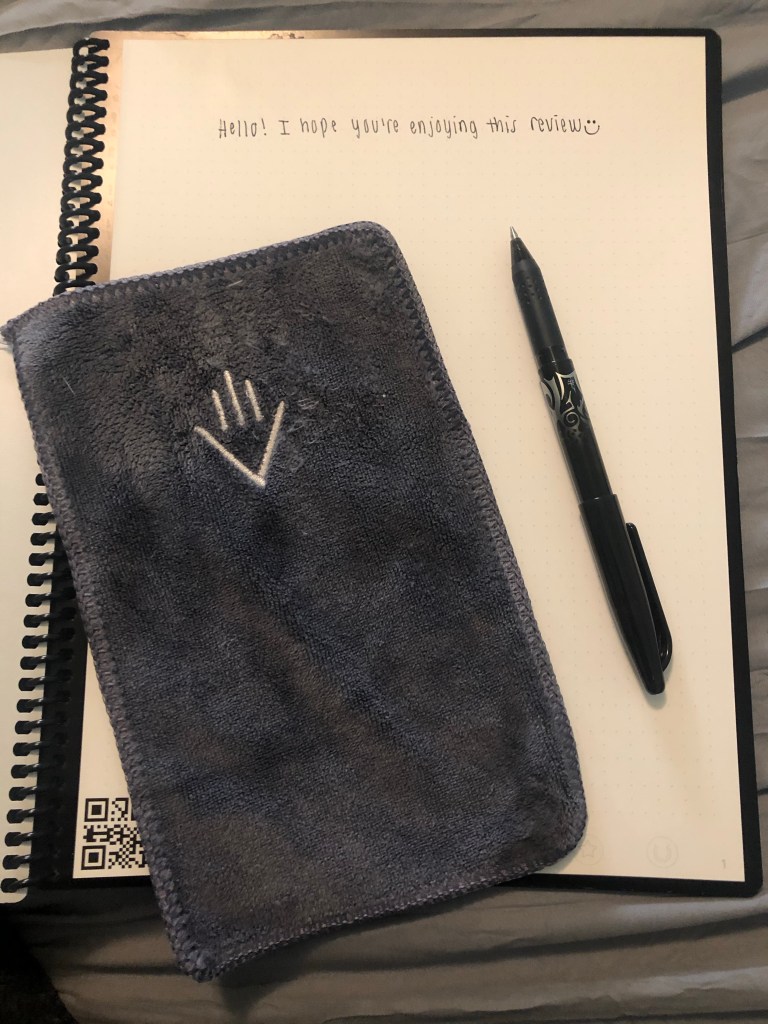
In case you’re confused on what the Rocketbook is, it’s a notebook where the ink can be erased from the pages. In order to preserve whatever writing you have, there’s a QR code on each page that you scan using the Rocketbook app, and the contents of the page will be sent to your online destination of choice as a PDF or JPEG file. Once you’ve digitally saved the file, you wet the microfiber cloth that comes with the notebook and use it to erase the special pen ink from the pages- and repeat!
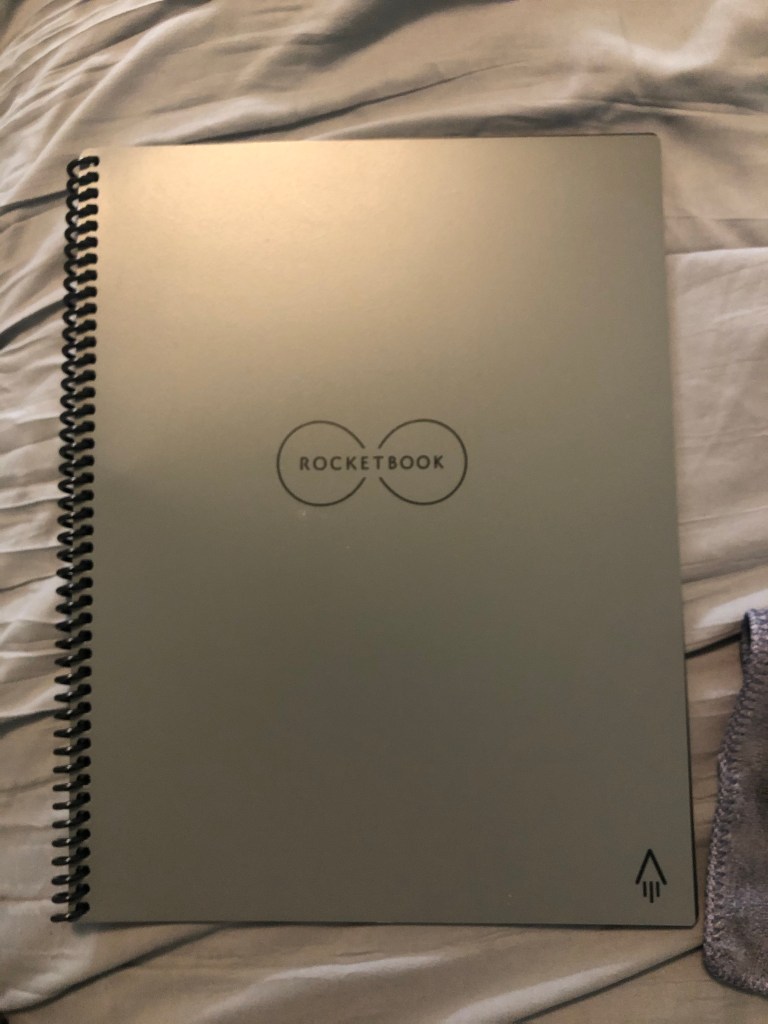
For specifics, I received the Letter size Rocketbook Smart Reusable Notebook in Deep Space Gray, purchased off of Amazon for $34.00 (I picked it out so I know the details ;)). When you receive the notebook, it also comes with a little instruction manual, an erasable Pilot Frixon pen in black, and a towel that erases the pen ink from the pages when dampened. The notebook is thirty pages. The instruction manual tells you to download the Rocketbook app from the App Store, and things get exciting from there.
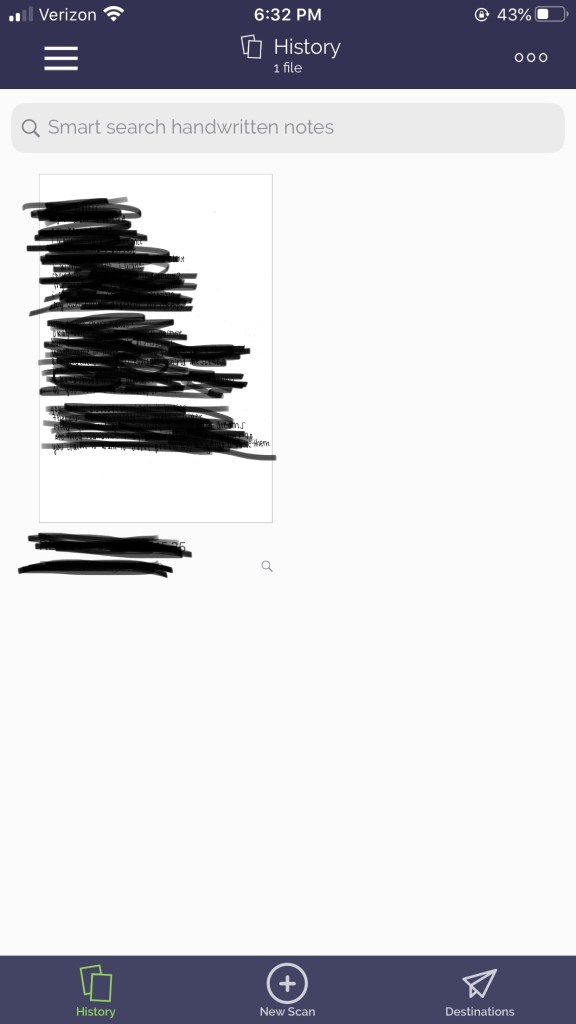
The app comes with how-to videos in case you get confused on anything, but it will start with having you make an account and link it to an email and/or some sort of cloud. I linked mine to my main email account (a Gmail account) and the Google Drive that goes with it. There are 7 categories that you can connect to different destinations so you can organize where your files are going if you’re using one notebook for different subjects/purposes. Your scans will also be preserved in the app to look back on in case you lose track of them in whatever online file storage you sent them to.
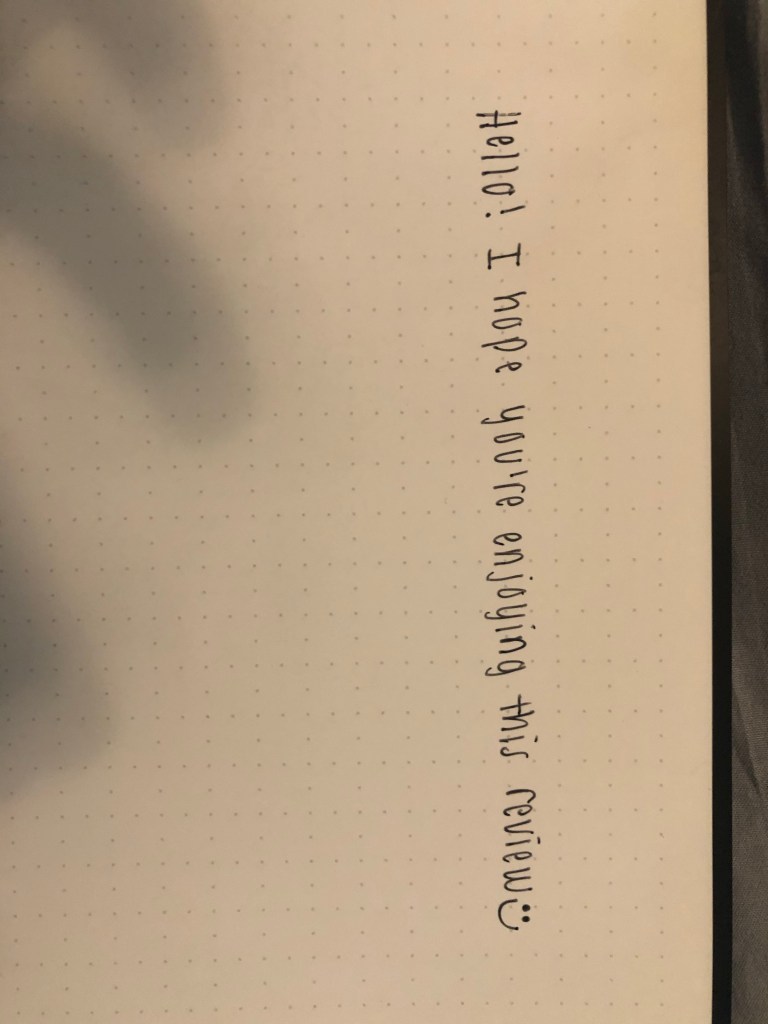
I’ve really enjoyed using it so far- I don’t waste paper on simple to-do lists, and I can keep a lot of thoughts in one place. I don’t love the dot-grid since I tend to write crooked without structured lines, but it’s not a deal-breaker since I only use it for planning and creative writing. It would be bother me more if I used it for school and note-taking though. It definitely feels different than writing with a normal pen and normal paper, but it’s not different enough to be weird. I don’t think there’s much more to say about using it, but I’ll include some pictures to give you more of an idea!

I hope you enjoyed this review. Let me know if you end up getting a Rocketbook or similar product and how your experience goes 🙂
Brooke
 adventures of a typical high school student